Faux Embroidery Canva Frame Letters: A Digital Craft for Modern Designers
There’s a distinct warmth to embroidered typography. It evokes a sense of handcraft, nostalgia, and tactile comfort that digital text often struggles to replicate. However, the actual process of embroidery is time-consuming and requires specialized skills and equipment. This is where the clever design solution of Faux Embroidery Canva Frame Letters steps in, offering that cozy, stitched aesthetic with the speed and flexibility of a digital template.
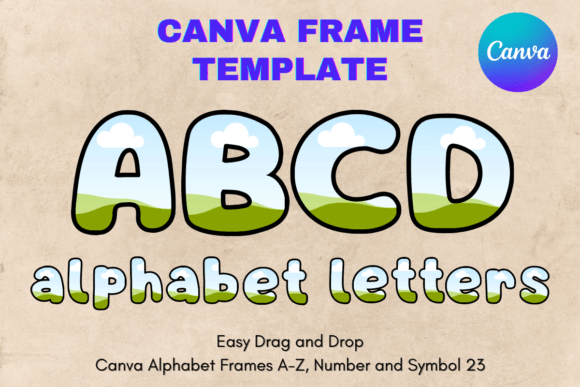
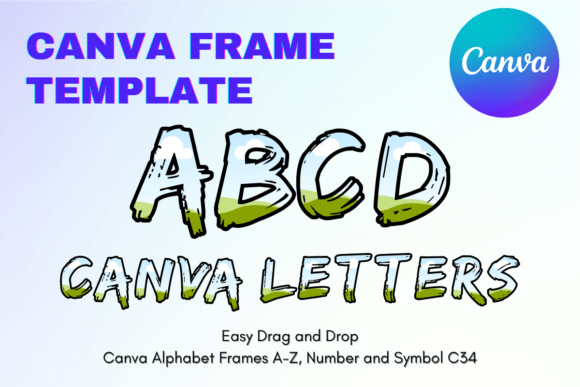
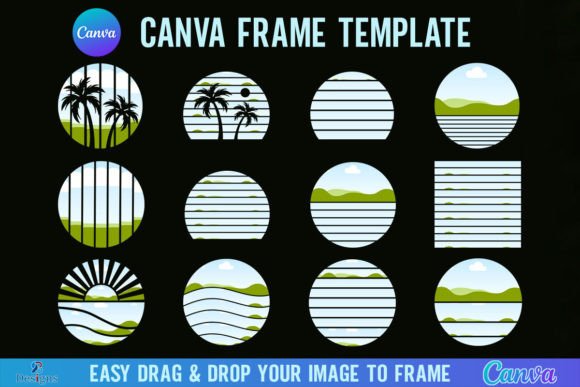
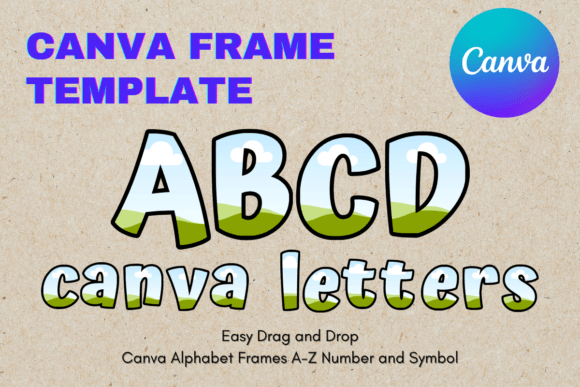
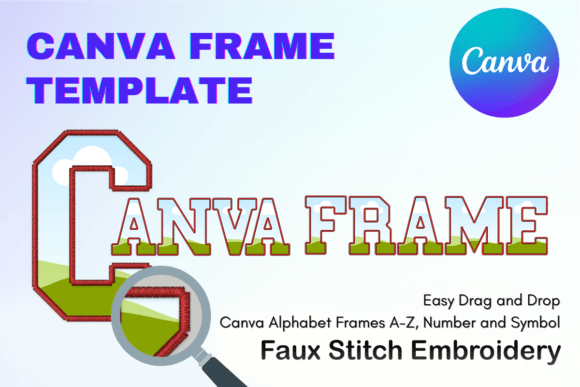
It’s crucial to understand exactly what this product is before diving into its creative potential. This is not a static PNG or SVG file, nor is it a traditional downloadable font file that you install on your computer. Instead, this is a digital asset delivered as a PDF containing a link to a custom-made Canva template. You are purchasing access to an editable Canva frame system. Once you open the link in Canva, you are presented with a set of letter frames on a 12x12 inch artboard. The magic lies in the "frame" feature of Canva; you can drag and drop your own photos, textures, or digital papers directly into these letter shapes. The result is a seamless, faux-stitch effect that looks like it was painstakingly created by hand.
The Aesthetic Appeal: Why "Faux" Works So Well
The visual style of these frames bridges the gap between digital precision and organic texture. In an era dominated by sleek sans serif fonts and minimalist web design, the tactile quality of embroidery provides a refreshing contrast. It’s a style that implies care, patience, and a "human touch"—qualities that resonate deeply in branding.
From a brand strategy perspective, using Faux Embroidery Canva Frame Letters can soften a brand’s voice. It works exceptionally well for businesses that want to appear approachable, artisanal, or nurturing. Think of a local bakery, a handmade jewelry shop, a sustainable fashion brand, or a lifestyle blogger. When used in logo design or header graphics, this style immediately signals a specific set of values: authenticity and craftsmanship.
Unlike a standard script font or handwritten font, which can sometimes feel messy or illegible at small sizes, the structured nature of the embroidery stitch provides a consistent texture. It holds its visual weight well, making it a versatile display font option for headlines. The visual interest comes not just from the shape of the letter, but from the "stitch" texture itself, adding a layer of complexity to your social media graphics without cluttering the design.
Practical Applications: From Digital Feeds to Physical Print
The utility of these frames extends far beyond simple Instagram posts. Because the templates are sized at 12x12 inches and feature a transparent layer, they are incredibly versatile for both digital and physical projects.
Digital Branding and Social Media
For content creators and marketers, consistency is key. You can use these frames to create a signature look for your social media graphics. For example, a weekly series on Instagram Stories or Pinterest could feature the initials of the topic inside these embroidery frames. Because the template is editable, you can change the background fill to match your brand colors or seasonal themes, ensuring your brand identity remains cohesive across different campaigns.
Print-on-Demand and Sublimation
This is where the product truly shines for entrepreneurs. The files are optimized for sublimation and vinyl projects. If you run an Etsy shop selling mugs, tote bags, or pillows, you can use these frames to create personalized monograms. The "faux" effect mimics the look of real stitching, which translates beautifully onto fabric and ceramics. By using the Canva frame to drop in a marble texture or a wood grain, you can create high-end looking packaging design elements or product mockups that stand out in a crowded marketplace.
Editorial and Publishing
For editorial design, such as magazine layouts or book covers, these letters work wonderfully as drop caps or chapter headings. They add a tactile element to the page that draws the reader's eye. It is a premium font alternative that adds immediate value to a layout without requiring advanced software like Adobe Illustrator. You simply edit in Canva, download as a PNG with a transparent background, and place it into your InDesign or Publisher layout.
Design Strategy: Making the Most of Your Template
Working with frame templates requires a slightly different approach than typing with a standard font. Here is how to ensure your designs look professional and polished:
- Choosing the Right Fill: The success of the embroidery effect depends entirely on what you put inside the frame. For a realistic look, use a seamless stitch texture or a denim fabric image. For a more modern, colorful approach, use gradients or solid brand colors. Avoid images that are too busy or high-contrast, as the detail can get lost in the letter shape.
- Font Pairing: Because the embroidery style is highly decorative, it demands a simple partner. Pair your Faux Embroidery Canva Frame Letters with a clean, geometric sans serif font for body text. This creates a clear visual hierarchy, allowing the embroidery to serve as the focal point while the sans serif handles the heavy lifting of readability.
- Scalability: While the paper size is 12x12 inches, you can size the elements up or down. However, keep in mind that very thin stitch lines might break if scaled too small. Always review your design at the final output size to ensure the "stitching" effect is still visible and legible.
- Commercial Use: Always review the specific licensing of the template. Most digital assets allow for commercial use in physical end products (like selling a t-shirt), but usually restrict the resale of the digital file itself. This is standard for design assets.
Conclusion
The Faux Embroidery Canva Frame Letters